

A Linux box this time. We’re slowly working our way up. A bit more recent machine this time.
Lets start again with a Ping and nmap of all ports.
nmap -p- -sC -sV 10.129.229.41
Only 2 ports open
PORT   STATE SERVICE VERSION
22/tcp open  ssh     OpenSSH 8.9p1 Ubuntu 3ubuntu0.3 (Ubuntu Linux; protocol 2.0)
| ssh-hostkey:
|   256 35:39:d4:39:40:4b:1f:61:86:dd:7c:37:bb:4b:98:9e (ECDSA)
|_  256 1a:e9:72:be:8b:b1:05:d5:ef:fe:dd:80:d8:ef:c0:66 (ED25519)
80/tcp open  http    nginx 1.18.0 (Ubuntu)
|_http-title: Site doesn't have a title (text/html).
|_http-server-header: nginx/1.18.0 (Ubuntu)
Service Info: OS: Linux; CPE: cpe:/o:linux:linux_kernel
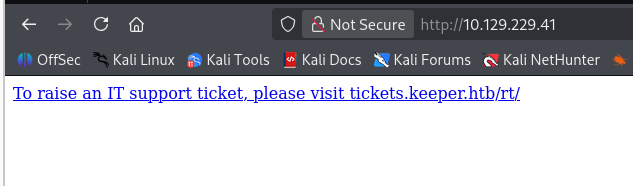
Main page simply says to rais a ticket, but also exposes the tickets subdomain. So lets add that to the hosts file, and open.
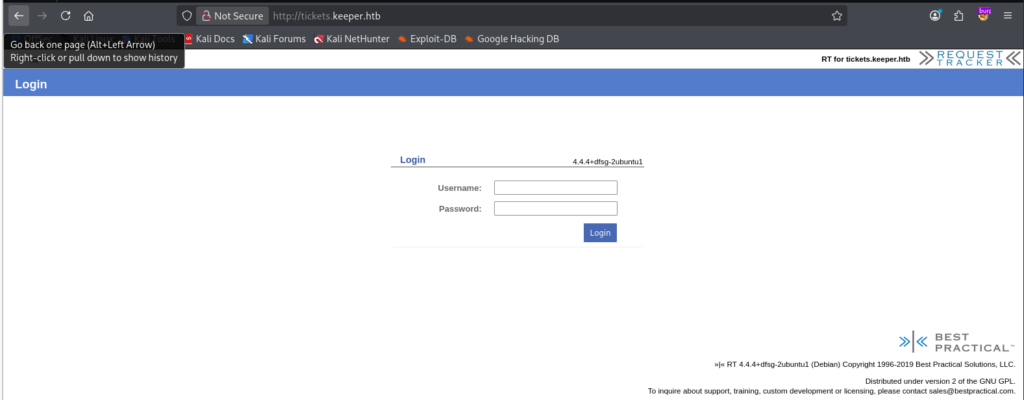
We are greeted by the ticketing system.
Capturing a sign-in POST with burpsuite i tried to see if any of the fields are SQL injectable using SQLMAP:
POST /rt/NoAuth/Login.html HTTP/1.1
Host: tickets.keeper.htb
User-Agent: Mozilla/5.0 (X11; Linux x86_64; rv:140.0) Gecko/20100101 Firefox/140.0
Accept: text/html,application/xhtml+xml,application/xml;q=0.9,*/*;q=0.8
Accept-Language: en-US,en;q=0.5
Accept-Encoding: gzip, deflate, br
Content-Type: application/x-www-form-urlencoded
Content-Length: 57
Origin: http://tickets.keeper.htb
Connection: keep-alive
Referer: http://tickets.keeper.htb/rt/
Cookie: RT_SID_tickets.keeper.htb.80=acf955e350c85ca2764ea39c9283495d
Upgrade-Insecure-Requests: 1
Priority: u=0, i

user=user&pass=pass&next=c91d1e2a59351c19648436b3c1740a6e

## put this into sqlmap.txt
sqlmap -r sqlmap.txt -p next --dump --ignore-code=404 --risk=3
No luck there!
Guessing the password for an admin user, also no luck. The logon form exposes some system information: RT 3.3.3+dfsg-2ubuntu1 (debian). Perhaps a vulnerability?

There seems to be an SQL injection for ShowPending. Lets have a closer look!
Hm, seems to be outdated, or at least authenticated, but lets give it a try nonetheless. We have our post request, so it only takes a couple of minutes.
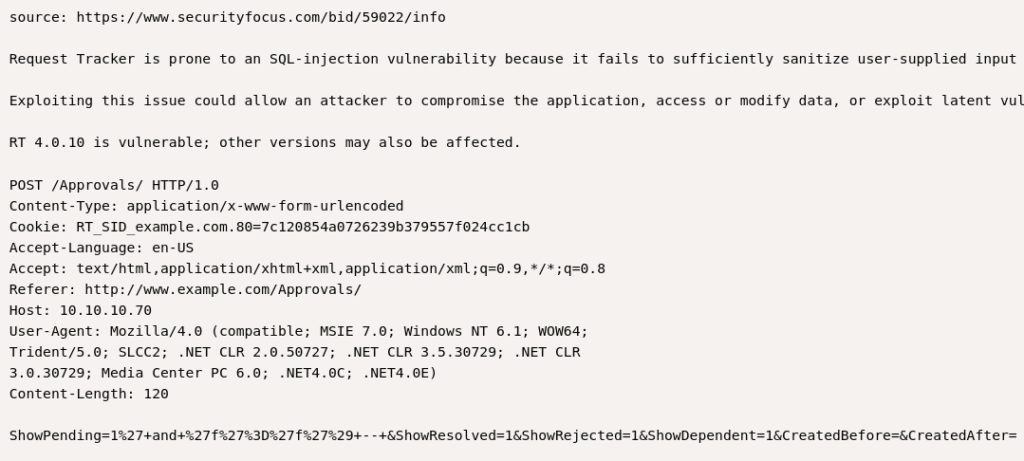
No dice! Maybe later.
For now, lets look up the factory default credentials, if they exist. According to a short google search these should be root:password.
Dice! They worked! We’re in!
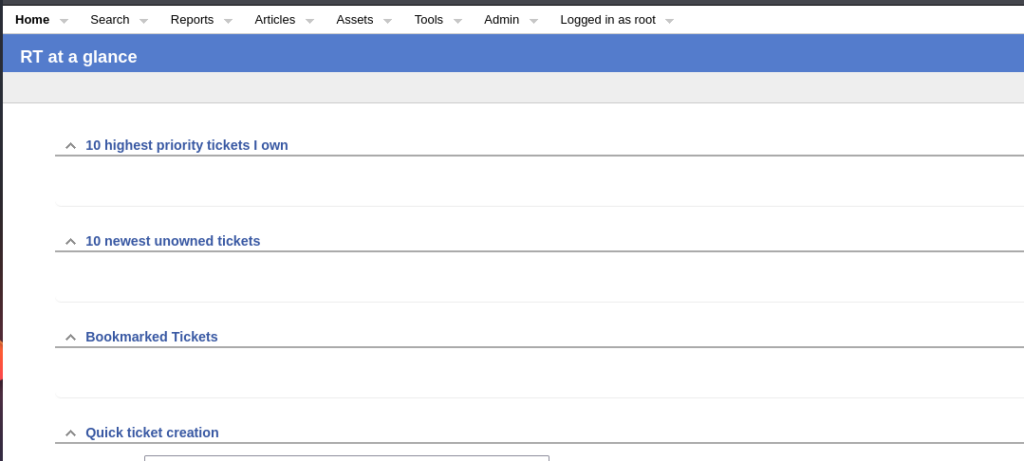
So what now. Lets have a look around. There is another user on this system: lnorgaard@keeper.htb, and they have a note at their account:
New user. Initial password set to Welcome2023!Not sure wat to do with this, i would think that root would have all access.
Looking around i se a bunch of errors, but not really any new leads. So i logged on with lnorgaard:Welcome2023!
This indeed still worked! We come to the website in Danish, but immediately we see a ticket with issues for keepass. Keepass, passwords, interesting!
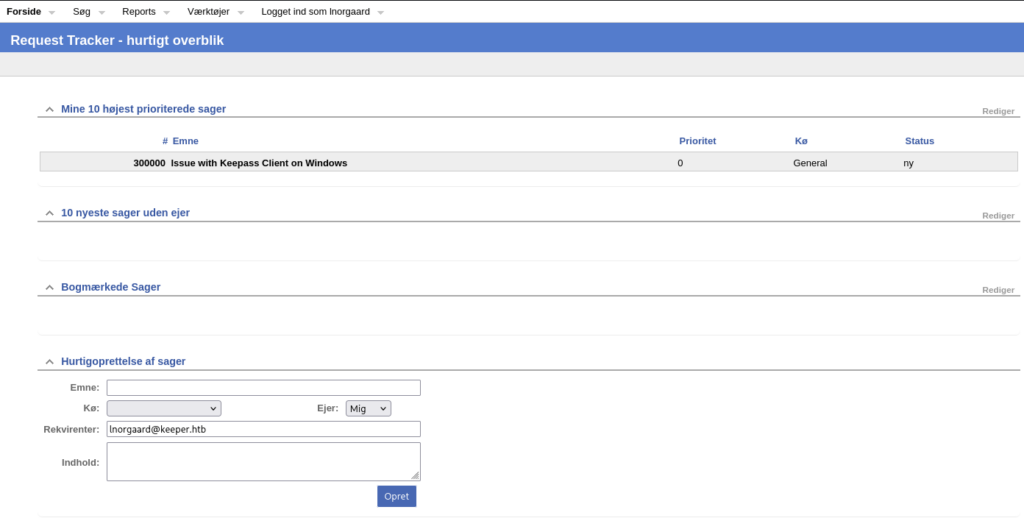
Opening the Issue we have a message about a keepas crash dump. Very interesting!
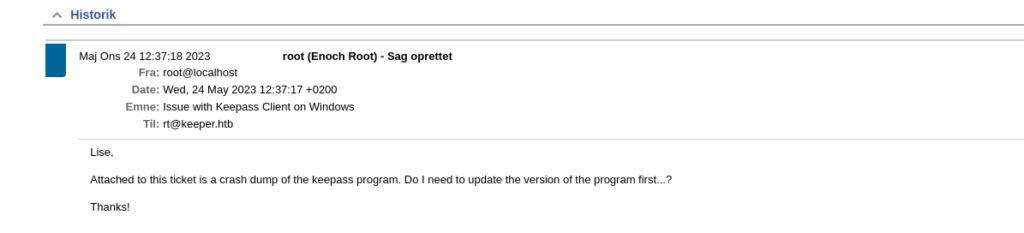
Looking around i dont seem to find the download attachment button for this ticket. Apperently they are saved in the database somehow. Also, it seems that Root has created this ticket. Maybe it has hidden dat data somewhere?

Apperently the attachment was removed, but placed in the home directory. Is this user also a user on the box? Lets check it out.
Success!
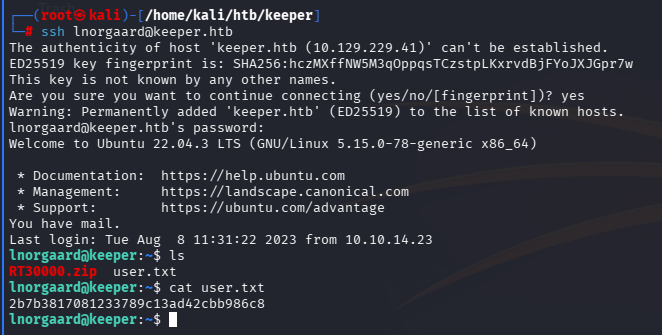
When unzipping the RT3000.zip we find 2 files inside:
- KeePassDumpFull.dmp
- passcodes.kdbx
a quick google search and i found a github repo that apperently can get the master-password for this dump, abusing a CVE-2023-32784.
https://github.com/z-jxy/keepass_dump/blob/main/README.md
Running it against the dump i get the following password: dgrd med flde
This does feel danish to me, and googling it brings me to: Rød grød med fløde (which is a type of desert).
In the examples within the github, the first letter is missing oftenly in the first overview. So i would guess that the master password is:
rdgrd med flde
Rdgrd med flde
Rødgrød med fløde
rodgrod med flode
rødgrød med fløde


And what to do with those. I'm looking for a way to extract content from this dumpfile somehow. But i also got the passcodes.kdbx. Maybe i need to do something with that
I managed to download a linux copy keepass by doing this:
┌──(root㉿kali)-[/home/kali]
└─# sudo apt-add-repository ppa:jtaylor/keepass
sudo apt-get update
sudo apt-get install keepass2
running keepass2 from the command line gives me the full GUI.
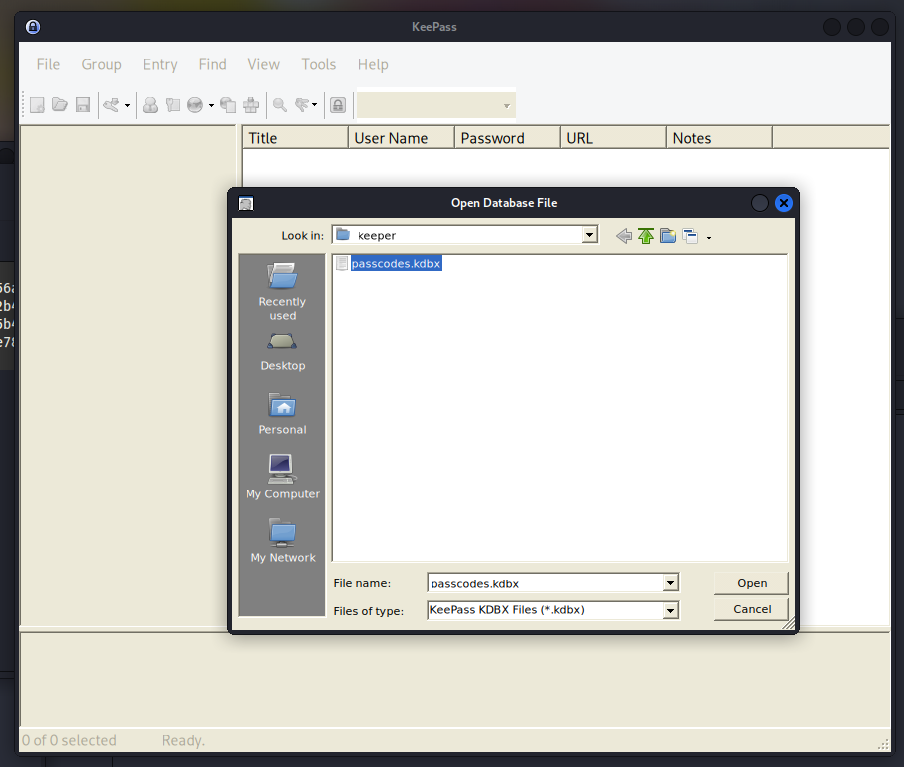
Here i can load the passcodes, and enter the password which was rødgrød med fløde.
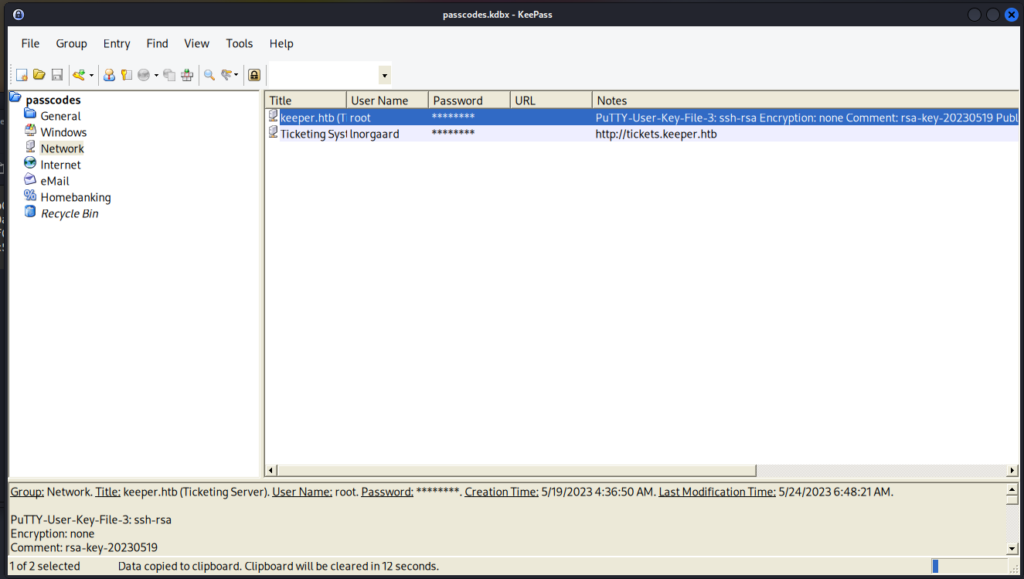
The first entry i see seemed to contain a putty ssh key for the root account. sudo apt install putty, installs putty 🙂
Take the Notes content completely and put it in a file. I named mine id_rsa.
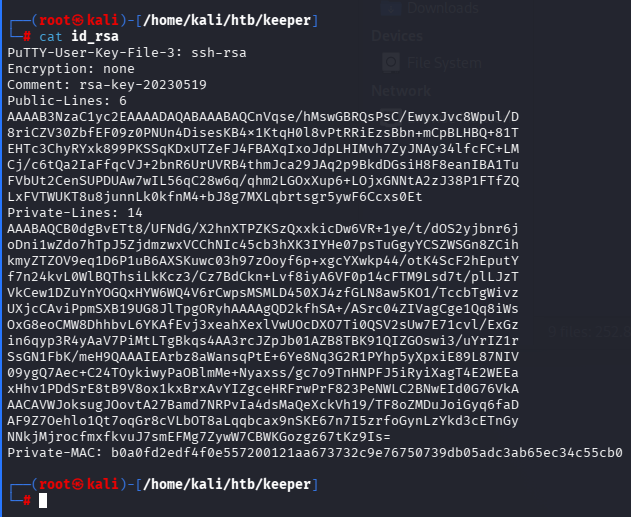
Run putty, specify the ssh credentials under Connection, SSH, Auth Credentials
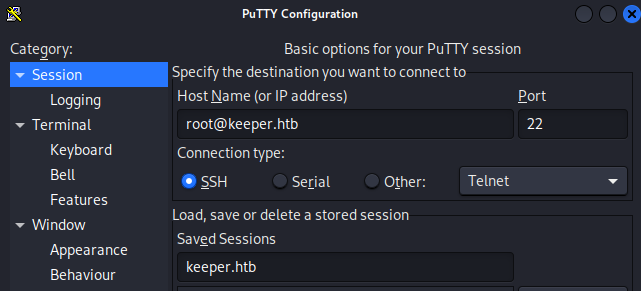
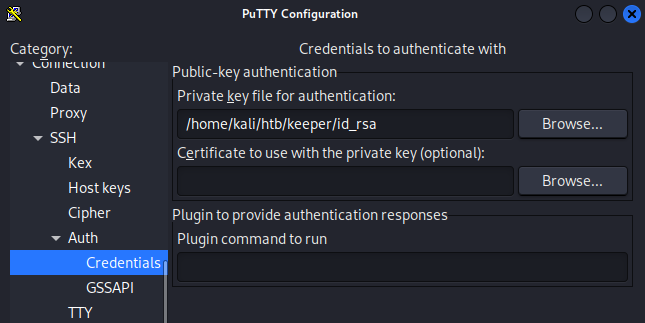
we’re in!
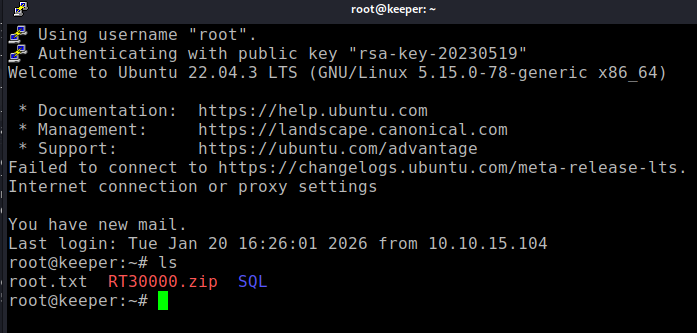
And there is the flag!
Final thoughts
This was a fine box, nothing too great! Was more of a puzzle than anything else. The longest time was spent on getting the password for keepass right, but after that, smooth sailing!